Most repair shops leave you in the dark until you call to ask “is it ready yet?” We built our own job tracking system so that never happens here. Every repair is tracked from intake to collection — and you’re kept in the loop automatically, by WhatsApp, at every stage.
From the moment we receive your device to the day your warranty ends, every step is logged and you’re told about it.
Tell us what’s wrong — in person, by phone, or on WhatsApp. We log your device and issue straight into our system with a unique job reference, so nothing gets lost or mixed up.
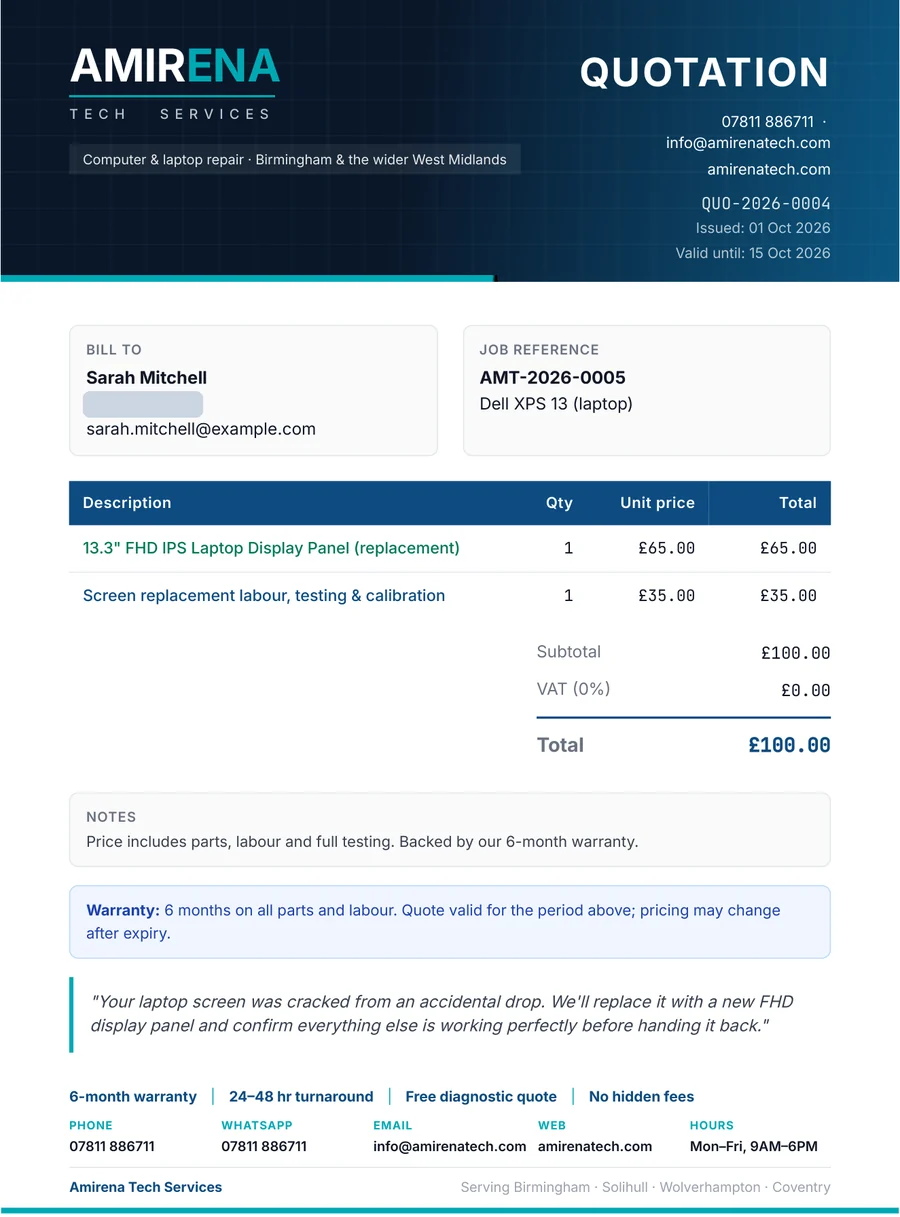
We diagnose the fault and send you a clear, itemised quote — what’s wrong, what it’ll cost, no surprises — before any work begins. No fix, no fee. Approve it from your phone and we get started.
As your repair moves through our workshop, you get a WhatsApp message the moment anything changes. No app to download, no account to create — it lands straight in WhatsApp, the same way you’d hear from a friend.
When it’s ready, you’ll receive a digital invoice and a full repair report: what was wrong, what we did, parts used, and your warranty cover — all before you even walk through the door.
Every repair comes with a 6-month warranty that starts the day your device is marked complete — not a vague promise. If anything goes wrong with our work in that window, we’ve got the exact date on record and we’ll sort it, no questions asked.
These are real messages sent by our job tracking system. Customer details have been hidden.
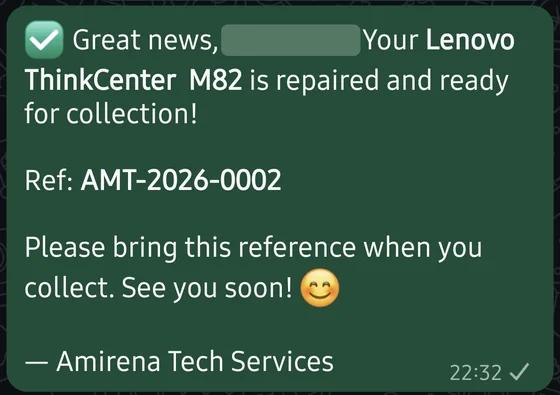
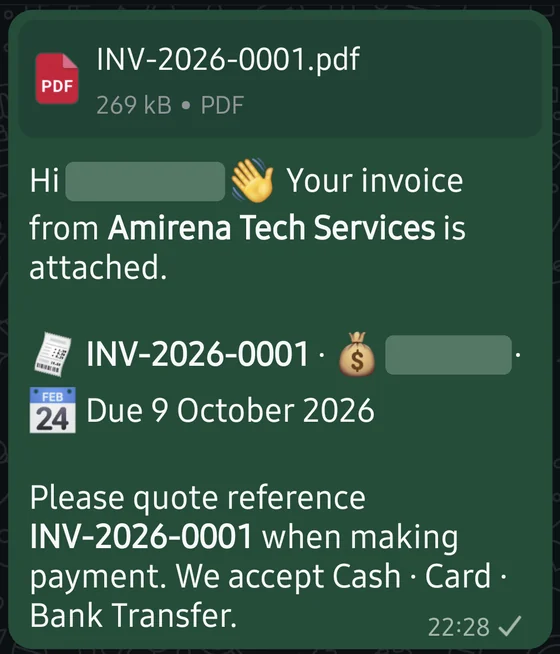
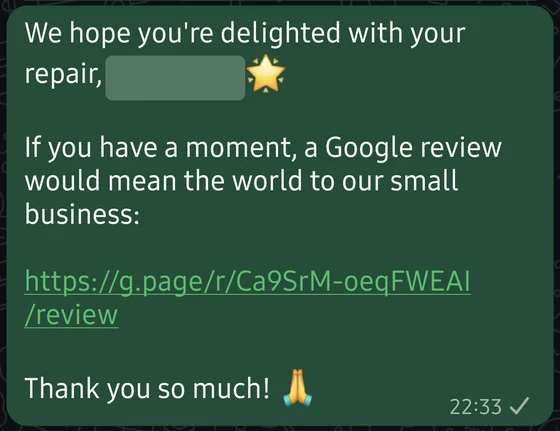
Every job gets an itemised quotation before work starts, a repair report when it’s done, and a matching invoice — all sent straight to your phone. The examples below are sample documents from our job system, using a demo customer.
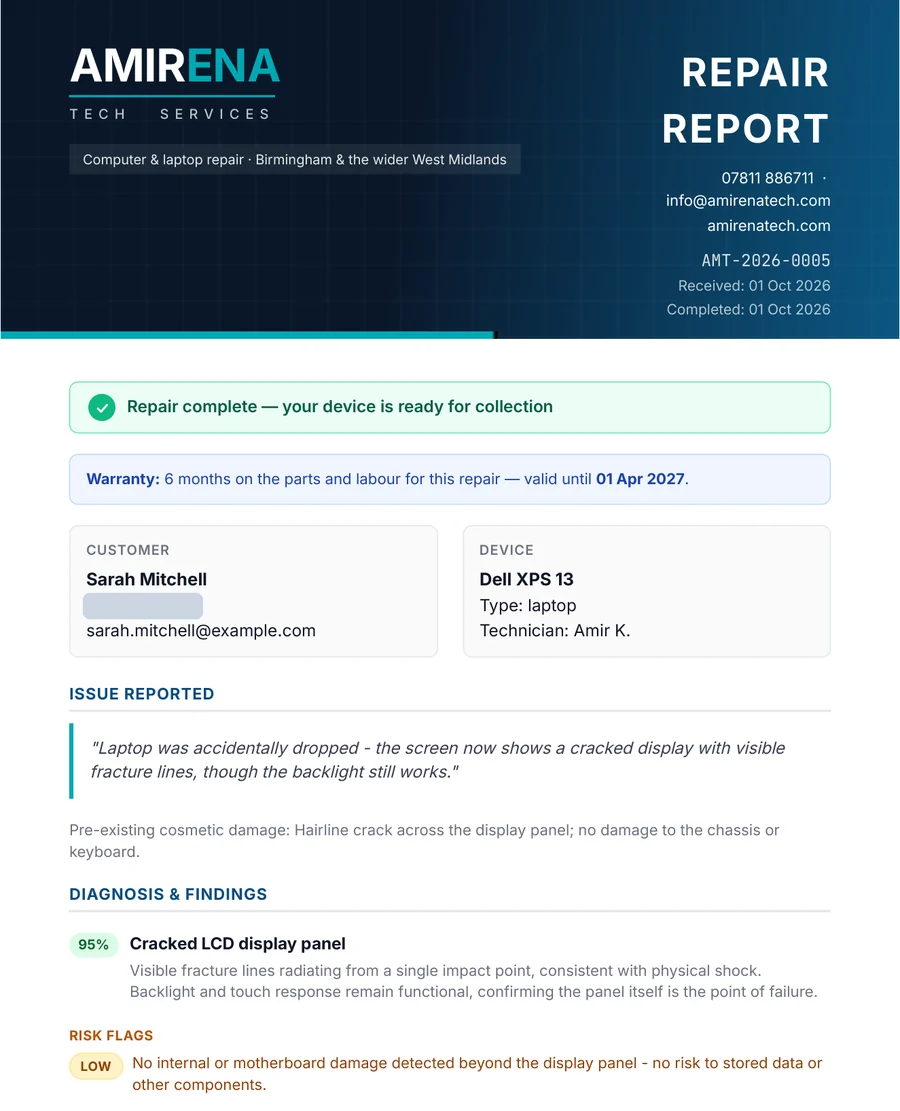
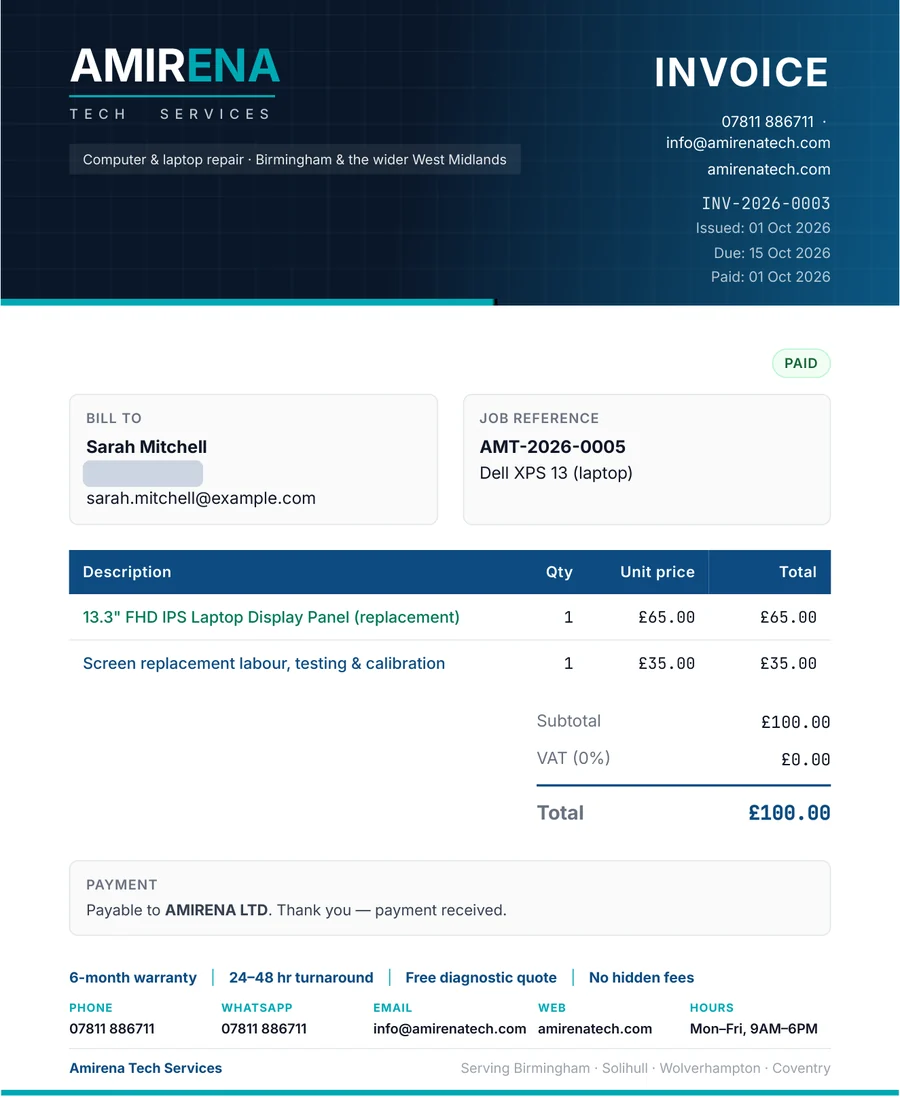
You get a WhatsApp message the moment your device is marked ready for collection, together with your digital invoice and repair report. You never need to call and ask whether it is ready.
No. There is no app to download and no account to create. Every update arrives in WhatsApp, and quotes and invoices can also be sent by email.
Yes. After the free diagnostic we send you a clear, itemised quote. Approve it from your phone and we get started — and with no fix, no fee, you don’t pay if we can’t fix it.
Your warranty starts on the day your device is marked complete. The exact date is recorded in our system, so if anything goes wrong with our work during the 6 months, we will sort it.
We think you should always know what’s happening to your device — so we built the system to make sure you do.